ChatGPT Uses Desktop Activity History to Recover Work Context

OpenAI’s Dominik Kundel presents Computer History as an opt-in Mac desktop feature that turns interaction events into an agent-readable record of recent work for ChatGPT and Codex. Rather than recording screens or audio, it tracks actions such as typing, clicking and app switching so users can refer to “that doc” or an earlier conversation without rebuilding context. Kundel says users can inspect, delete, pause or narrow the history, while ChatGPT can use it to suggest reusable skills and automations from recurring workflows.
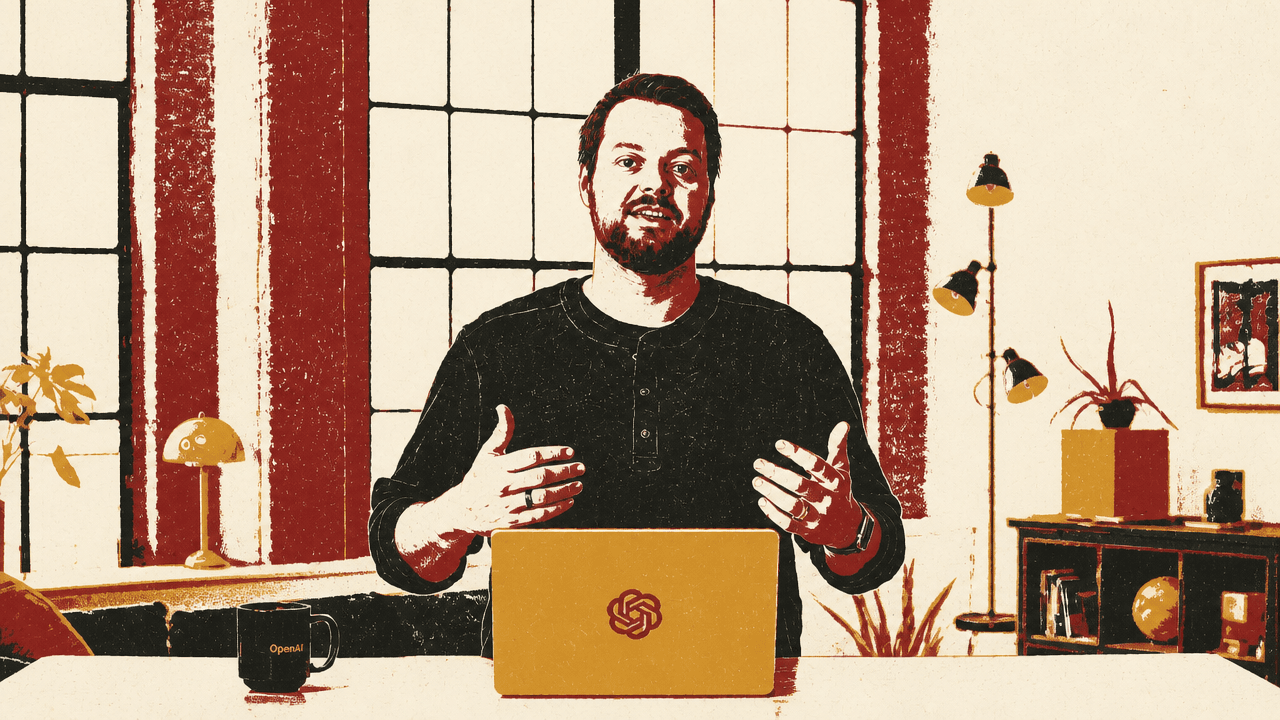
Computer History makes recent work available as agent context
Dominik Kundel describes Computer History as a way to turn activity on a Mac desktop into memories and a timeline that ChatGPT and Codex can use when a user starts a task or asks a question. The feature is meant to resolve references to work already in progress: a document, a conversation, an earlier task, or a recurring workflow that the user does not want to reconstruct in each prompt.


It knows what actions I took so I can converse more naturally without having to give all the context.
Kundel says Computer History does not rely on screen or audio captures. It instead records interaction events such as clicking, typing, and switching applications, which he says allows it to create memories faster and more efficiently. Those memories become an agent-readable record of what the user was doing, rather than a literal recording of the desktop.
A user can therefore ask about “the last Google Doc,” “the group DM from earlier,” or work completed that morning. The agent is expected to locate the relevant activity and, where applicable, use connected skills to act on it.
Recent activity lets the agent connect a document to the conversation around it
The examples position Computer History as more than a generic activity log. Kundel asks which Google Doc he had last been viewing. ChatGPT checks recent activity history and identifies Video Script—Computer History as the last document he was editing earlier that day.
That history then supplies the context for a second, abbreviated request: make sure the document was shared with Josh and Priya in the group direct message from earlier. The agent checks its Slack skill and reports that Josh and Priya have viewer access to the Video Script and that it has been shared in the relevant group DM. Kundel says Codex can use the history to understand both the document and the conversation being referenced.
The record can also be used retrospectively. Asked for a brief account of the morning, the interface says it is using local activity history to assemble a recap: work on the Computer History launch video, including drafting and refining the script and iterating on framing with teammates; prototyping a 3D world builder in Codex; and triaging usage-limit feedback.
The demonstrations depend on the agent being able to interpret abbreviated requests. “That doc” and “earlier” work because recent activity supplies a record from which the agent can identify what those terms point to.
The utility depends on a record users can inspect and narrow
Dominik Kundel frames the feature’s controls as part of its operating model. The history area presents captured activity as written timeline entries, and Kundel says users can review everything Computer History has captured. A visible entry at 10:10 PM summarizes work editing and exporting Computer History video assets in Screen Studio, adjusting desktop, wallpaper, and capture exclusions, and then reviewing memory and search context in ChatGPT Nightly.
Users can delete individual entries, clear recent history, or reveal the underlying memory files, Kundel says. Those memories continue to reside on the user’s file system, giving the user a way to see what the agent has captured and remembered.
Collection can also be constrained before activity contributes to future history. The settings shown distinguish between app and website exclusions: Slack appears as an excluded app, while example.com and linkedin.com appear as excluded websites. A separate menu-bar control offers a pause function, access to recent activity, and the ability to clear the last app session.
The design shown makes the trade-off explicit: broader access to activity supplies more material for the agent to draw on, while exclusions, pausing, deletion, and file-level visibility give the user ways to limit or inspect that record.
Suggested skills extend the record into recurring work
Dominik Kundel says Computer History will also suggest skills and automations it can generate from repetitive work, with those suggestions available in the History section of settings. The interface shows a suggested “Video review follow-up” skill based on a flow for collecting Frame.io video notes and opening the matching Screen Studio project. The prompt proposes turning that flow into a reusable follow-up skill.
Kundel describes several possible uses once an agent understands a person’s work and working habits: creating a skill from something just completed, running an automation each morning to draft a team standup update, or tailoring tool use to a preference such as drafting documents in the application the user normally uses for that purpose.