Two Video Frames Become an Editable, Walkable 3D Room
A room reconstructed from two video frames can become an editable Blender set, an interactive space and a virtual webcam background, the article argues. In the demonstration, the presenter says GPT-6.2 Astra iterated until the room matched the frames, then shows the same scene being changed, explored and used in a webcam composite with adjustable lighting.
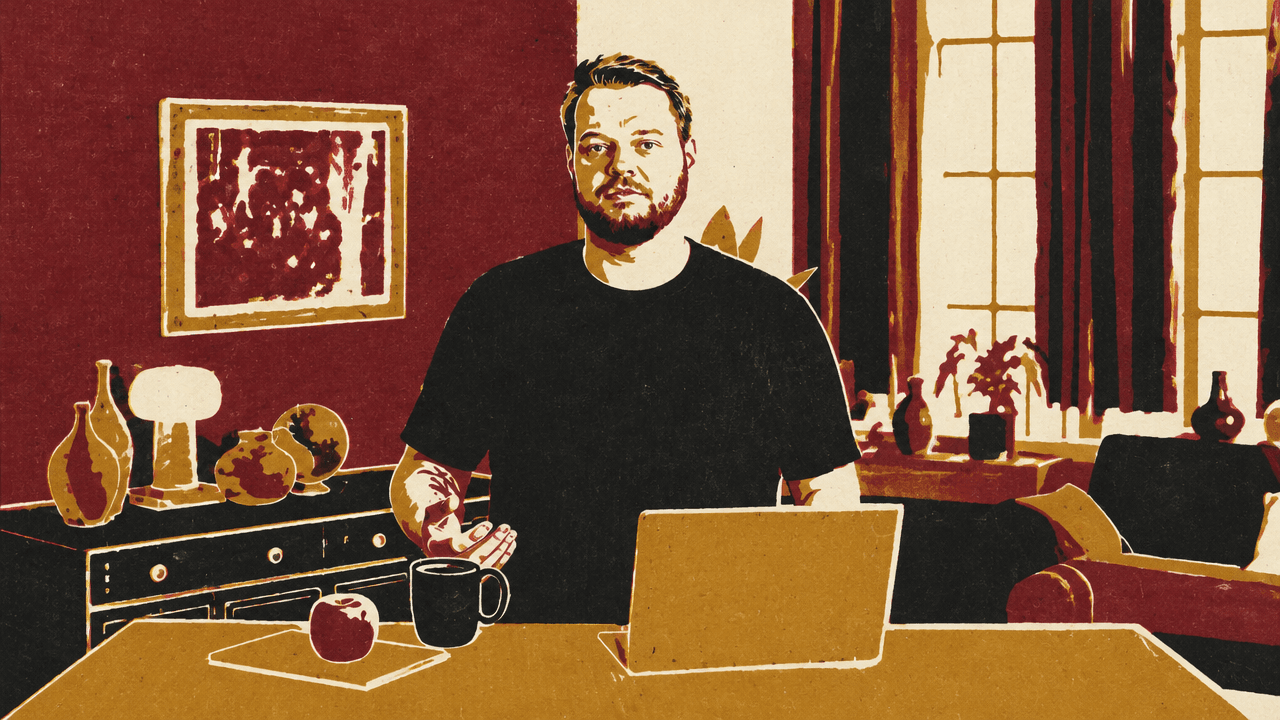
One reconstruction serves as reference, workspace, and backdrop
A room rebuilt from two video frames is not just a still-image match. In the demonstration, the same Blender set is used to compare against the original footage, change the room, walk through it, and place a presenter inside it as a webcam background.
Unidentified Presenter says the reconstruction starts with two frames from the beginning of a video, supplied to Codex with GPT-6.2 Astra. The prompt asks for the room without the presenter, with the camera blur and professional lighting equipment recreated. The presenter says Astra iterated on the environment until the result was “pixel-perfect identical” to the frames.
Astra painstakingly iterated on the environment until the two were pixel-perfect identical.
That visual match is a starting point rather than a locked result. The presenter describes changing the picture on the wall, making the room more spacious, or altering its lighting. The interface also shows a matched-reference view, keeping the source image available while working on the reconstruction.
The set can be edited through prompts or direct controls
The room supports two kinds of intervention: asking Codex for a broader change, or adjusting scene elements through controls. The visible stage panel offers lights or flags and controls for position, height, pan, tilt, and power. Camera views and the matched reference are also available, so the user can inspect the set from different views while retaining a point of comparison.
The presenter frames these options as alternatives to relying on prompts alone. A request such as making the room more spacious operates at the level of the environment; the stage controls expose particular lighting and placement adjustments. The source demonstrates the controls but does not explain how Codex implements the reconstruction or how the controls connect to the underlying Blender scene.
The scene can also be made navigable. The presenter asks Codex for a version they can walk around in and modify “like a video game.” The interface labels this “Walk the set” and explains the controls: WASD moves through the space, and the mouse turns the view. A reset option returns the user to the setup. This changes the relationship to the reconstruction: instead of judging it only from the original camera angle, the user can move through it and inspect the environment from within.
Lighting control carries the reconstructed room into a live background
The reconstructed set is also used in a virtual webcam app, replacing a static wallpaper with a live composite of the presenter in the 3D room. The interface shows the composed view alongside a smaller feed of the original green-screen footage. Camera, shot, and person-placement controls sit alongside room-lighting adjustments.
The lighting panel exposes individual room-light settings, including power, white point, and tint. This makes the lighting part of the editable scene rather than merely a visual property of the background. The presenter says Codex can use the Decisions API to match the lighting on the webcam and adjust the room lighting to match. The intended effect is a virtual set whose illumination responds to the webcam feed, rather than a fixed image behind the presenter.
Across these uses, the practical value is continuity: the room reconstructed for a visual match can remain editable, become a space to navigate, and serve as the setting for a webcam composite. The demonstration shows those different uses of one set, without detailing the technical process behind them.