Pi Durable Resumes Interrupted Agent Work From Persistent Checkpoints

Alejandro Ao describes Pi Durable as a harness for agent applications that need to recover task state after crashes or interruptions, not as a coding-agent CLI. It stores conversations and checkpoints so work can resume when the host process starts again, while leaving tool replay safety and process restarts to the surrounding application. In a tutorial, Ao walks through the harness setup and demonstrates recovery with a local model and SQLite.
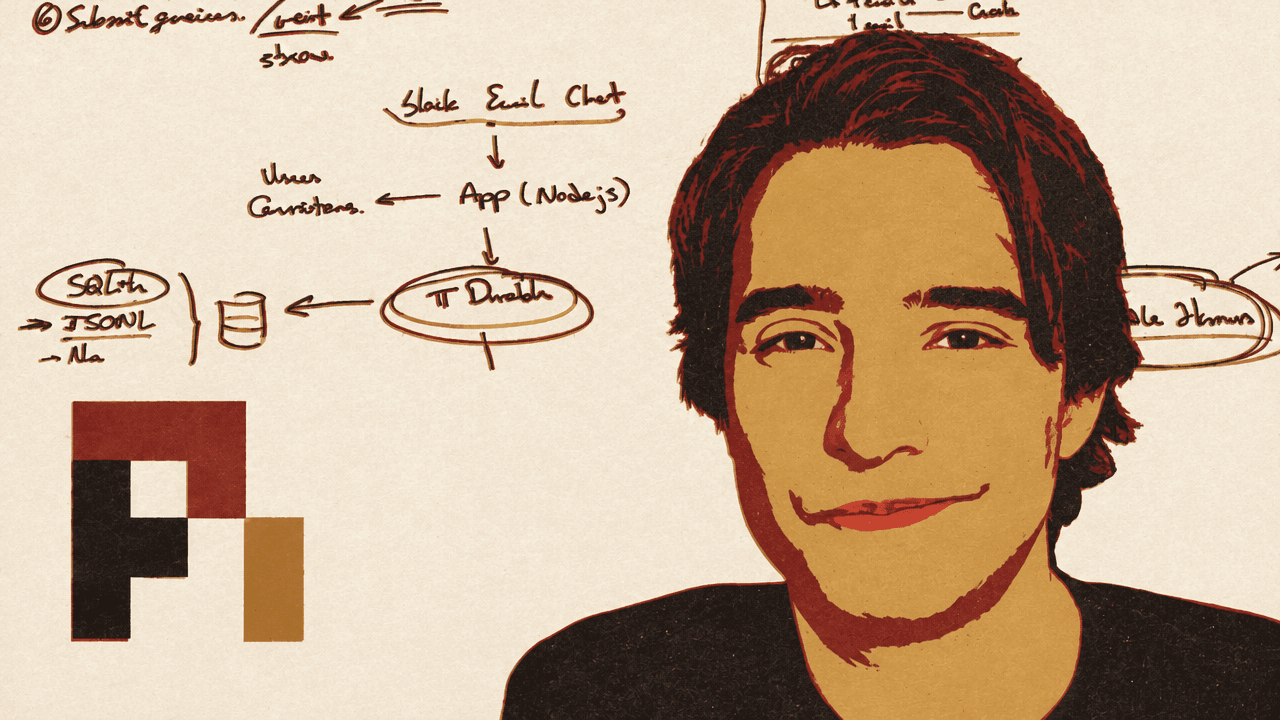
Durability is about recovering task state after an interruption
Alejandro AO defines Pi Durable as an agent harness designed to survive crashes and interruptions. The distinction is not simply that a stopped process can be started again: the harness is intended to retain task state so work can continue without a person prompting the agent to carry on.


An agent harness that is designed to survive crashes and interruptions reliably.
Alejandro illustrates the problem with a request to send five emails. A conventional agent might issue a tool call to send them. If the process crashes after four emails have been sent, the tool call has not returned a response, even though it has already produced effects. In the transcript, the user message and tool call are saved, but the expected tool response is missing. Alejandro says model APIs expect a response after a tool call; after restarting, a coding agent may therefore insert a synthetic error response and leave the user to ask it to continue and determine what happened.
Pi Durable instead stores the task and checkpoints in persistent storage. Alejandro describes checkpoints for completed operations, where the tool supports them, and checkpoints recording that a tool call started but did not finish. When the process starts again, the harness can read that state and continue without requiring the user to send a “continue” message.
That recovery model does not establish that every interrupted action can safely be repeated. In the email example, some messages have already gone out, so the application still needs to account for what an interrupted tool call did and whether repeating it could repeat an external effect. The source description also identifies tool replay safety and restarting the host process as application responsibilities: the harness reads saved state when the process runs again, but it does not itself restart a stopped server or daemon.
The demonstration later tests recovery using a read operation, not an external action such as sending email. It shows reopening pending work after an interruption; it does not demonstrate how the system identifies or handles every possible partial effect.
Alejandro describes three storage options: SQLite, JSONL files, and in-memory storage. In-memory state is erased when the application closes, so he presents it as useful for experimentation. He says he prefers SQLite for production use in his own experiments, while noting that JSONL is also supported. Pi Durable’s JSONL storage is distinct from the coding agent’s session files: it uses multiple files rather than one file per conversation.
Pi Durable replaces a harness layer, not the coding-agent application
For people who know Pi through its coding agent, Alejandro’s main clarification is that Pi Durable is not a command-line application that makes the coding agent a version that never breaks. It is a building block for developers creating their own agents, particularly agents intended to work in the background while their users are elsewhere.
He locates it within Pi’s architecture. The Pi coding agent is the application: it provides the terminal interface, system prompts, and extension layer. Beneath that, the Pi Harness runs the agent loop and handles sessions and tools. Pi AI provides the integration with models. Pi Durable sits at the harness level as an alternative to the regular Pi Harness and uses the same Pi AI model integration.
A useful way to understand what it supplies is through its Harness class. Alejandro describes an API for creating conversations, submitting tasks, and interacting with the harness as it runs them. In that respect, it is an alternative to using the regular Pi Harness through its SDK or RPC for an application that needs the durable behavior. It is not the application itself, nor a ready-made terminal agent.
That distinction affects which harness Alejandro says a developer might choose. Someone building a conventional coding agent may want the regular Pi Harness SDK. The Durable Harness is aimed at agents that run in the background and may have long-running tasks, especially when users are not watching the process. He gives assistants reached through Telegram, Slack, or email as examples of systems where people may not be in front of a computer to monitor the agent.
In that architecture, a gateway handles incoming messages and passes them to an application. The application uses Pi Durable to create and manage conversations, while Pi AI connects those conversations to models. The gateway and user-facing experience belong to the surrounding application; Pi Durable supplies the harness primitive underneath them.
Conversations carry their own working context
Alejandro uses “conversation” as a practical point of comparison for developers familiar with the Pi coding agent: a Pi Durable conversation is similar to a coding-agent session. Each can have its own system prompt, working directory, tools, and skills. He cautions, however, that Pi Durable does not load the coding agent’s .pi directory, and it does not automatically run an AGENTS.md file. Instructions need to be explicitly supplied when a conversation is initialized.
The conversation API is not presented as a complete application-level system for managing users and records. Alejandro says the conversation-related APIs are not a complete CRUD API and offer limited flexibility; he also notes that the project is early in development and its API may change. The application is where users and the broader handling of conversations sit, while the harness offers the conversation and task mechanisms used to run the agent.
The application can choose how to present work in progress. A submission returns an ID that can be used to check the task’s status. For longer jobs, Alejandro describes submitting work and waiting for it to finish. For an interactive chat, the application can instead stream events as they occur, including completions and tool calls, and show them in its own interface. The interface and interaction pattern depend on the application being built.
The six setup steps separate agent capabilities from submitted work
Alejandro’s initialization sequence has six steps: configure the models, set up a registry, initialize storage, open the harness, create or retrieve a conversation, and submit a query. The sequence makes clear that querying a harness is only one part of setup: the model connection, available tools, and persistent state are established first.
First, the application configures its models. In the demonstration, Alejandro uses a local model served through llama.cpp, connected through Pi’s model integration. He also shows a model-provider configuration in the code.
Second, it sets up a registry containing the tools and extensions available to the agent. The demo uses Pi’s coding-tools extension. An on-screen description lists read, write, edit, and bash; while speaking, Alejandro is unsure of the exact tool list. In the demo, the agent later names read, write, and edit when asked what tools it can use.
Third, the application initializes storage. The example uses SQLite. Alejandro also names JSONL and in-memory storage as alternatives, with memory intended for experimentation because it disappears when the application closes.
Fourth, the code opens the harness with the storage, model configuration, registry, and an environment callback. In the example, that callback supplies the conversation’s working directory. Alejandro notes that some surrounding code is a helper he created for the demo, rather than part of the essential harness setup.
Fifth, the application creates or retrieves a conversation. The demo creates one with a model, working directory, and instructions—the instructions serving as the system prompt. This is also where the distinction between a conversation and the coding agent’s environment matters: the harness does not automatically load local .pi settings or an AGENTS.md file.
Sixth, the application submits a query to that conversation. The submission returns an ID, and the script can wait for the answer. Alternatively, an application can stream events and display them as they happen. Alejandro’s six-step walkthrough demonstrates the harness API, not a complete user-facing assistant; the application still supplies the interface and the way inputs reach it.
The local-model example runs Qwen3.5-0.8B through a llama.cpp server. In the fresh-chat script, Alejandro asks the agent to read a README and report a phrase in it. The agent calls the read tool and returns, “Reachy Mini is very cute.” He also asks what tools are available; the agent lists read, write, and edit capabilities. The example shows a local model connected to tools and queried through the Durable Harness. Alejandro says the SQLite writes and checkpoints take place behind the scenes.
The restart script reopens an interrupted submission
The second script, chat-resume, uses the same basic ingredients—models, registry, coding tools, storage, and harness—but adds a restart and recovery test. It checks the persisted state and reopens a saved conversation.
Alejandro starts a task asking the agent to read the project documentation and explain what it does. He stops the process after the agent has called a tool, then runs the script again. The terminal reports that recovery is enabled and that it is reopening the saved conversation and pending work. The script reads from the SQLite database, resumes after the interrupted read call, and the agent returns a short description of the project.
This establishes the specific behavior the demo sets out to show: the restarted script reconnects to saved work instead of requiring a new request or a user-issued continuation prompt. It does not demonstrate safe replay of every kind of tool call; the earlier email example illustrates why applications must account for effects that may have occurred before an interruption.
Alejandro presents the two scripts as examples of the harness API: one creates a minimal agent using a local model and tools, and the other reopens pending work from SQLite after the process is stopped and run again. Pi Durable is the underlying building block, not a replacement coding-agent CLI.