Controlled References Turn One Photo Into Broadcast-Style Football Footage

ElevenLabs’ Alec Wilcock argues that convincing AI football footage depends on production control rather than a single successful video generation. His workflow uses a face image and multi-angle character sheet to hold identity and kit constant, plans keyframes around a three-shot edit before animating them, and fixes visual drift at the image stage. Video, stadium sound and commentary remain separate layers so creators can trim and revise the sequence without rebuilding it.
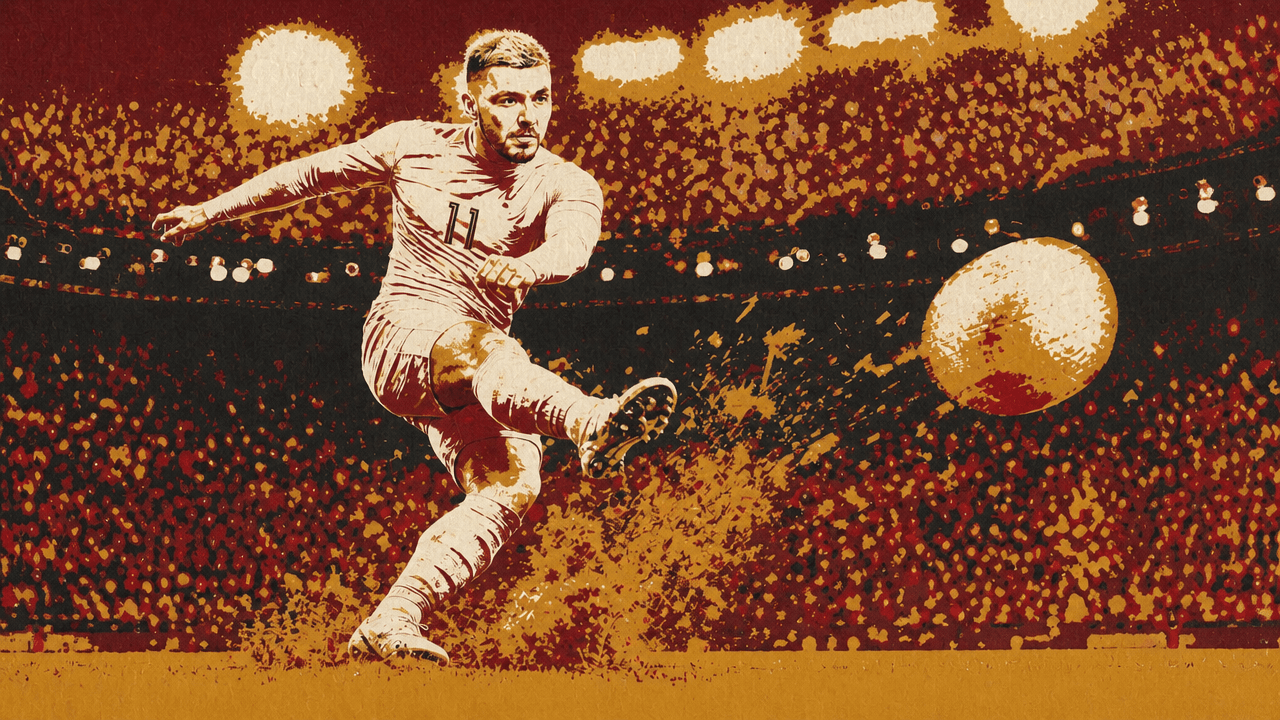
Professional-looking AI sports footage starts with a reference system
A convincing football sequence depends less on a single strong generation than on keeping the player, kit, setting, and visual language stable from shot to shot. The workflow begins with one high-quality photograph and turns it into a four-panel character reference sheet: front, left three-quarter, right three-quarter, and back views of the same player, on a plain white background with flat, even lighting.
The reference image is tagged as the face and identity source. The prompt instructs the image model to preserve the subject’s exact face, skin tone, and hairstyle across every view; the resulting sheet is then used to establish the player’s body, build, proportions, and kit for later generations. The tutorial’s stated purpose is to give later image and video models a view of what the character should look like from every angle.
The kit description belongs in the reference-sheet prompt rather than being improvised anew for each scene. In the demonstrated version, the player wears an orange, long-sleeve kit with number 11 on the front and back. The same approach could support any uniform, but the instruction is to specify it once and carry that reference forward. Otherwise, the shirt number, colors, and other visual details can drift enough to make a sequence feel assembled rather than filmed.
The reference sheet is generated in a 16:9 format, at 4K resolution and high quality. Those choices are presented as a way to create a detailed source asset for every subsequent image and video node.
The workflow treats this sheet as a durable production asset, not a preliminary image to discard. Both the original face image and the character sheet are wired into each scene generation: the face reference governs identity, while the sheet supplies the body and all-angle appearance.
The prompt needs to direct the edit before it directs the images
Alec Wilcock’s demonstrated prompt builds a three-shot free-kick sequence: the player stands over the ball, runs up and strikes it, then wheels away in celebration. The important design choice is to plan each shot as both a still image and the opening state of a future video clip.


The prompt gives the Flows Agent four kinds of instruction: which references to use; a style block to repeat verbatim in every image prompt; a camera-specific description for each still and its ensuing motion; and production constraints for audio, duration, aspect ratio, and visual failures to avoid.
The demonstrated broadcast treatment calls for a long broadcast lens, a packed stadium at night under floodlights, and a television look rather than a cinematic one. That style instruction is repeated exactly for all three keyframes. The repetition is deliberate: it gives each generated shot the same visual direction rather than leaving style to vary from prompt to prompt.
| Shot | Keyframe setup | Motion and sound direction |
|---|---|---|
| 1. Set piece | Low pitch-level angle behind the ball; player 25 yards out, five-man wall and blurred goal ahead | Slow push-in as the player exhales and settles; crowd drops to a murmur |
| 2. Strike | Side-on tracking angle during the run-up | Three steps, strike, whip-pan over the wall and into the far post; net ripples and keeper dives; crowd erupts |
| 3. Celebration | Pitch-level close-up of the player wheeling away | Knee slide, teammates arriving, camera flashes in the stand; crowd remains loud |
That level of instruction fixes the camera setup for the image while telling the workflow what the later animation needs to accomplish. The agent is not merely asked for three attractive football stills; it is asked for starting frames suited to particular motion and editorial beats.
The workflow leaves room for different aesthetics. The same action can be styled as photorealistic broadcast coverage, a Japanese anime sports finale with speed lines and radial light, or a high-end cinematic commercial. But the decision needs to be made at the beginning and held across the sequence. The example explicitly distinguishes a “television look, not cinematic” because the desired result is broadcast football footage rather than an advertisement.
Audio is separated from narration at this stage. Each video clip receives stadium sound only: tension and subdued crowd noise before the kick, then an eruption on the strike and celebration. No commentary or music is baked into the generation. Wilcock’s reason is practical: changing commentary later should not require regenerating an otherwise usable video.
The production specification calls for 16:9 clips of five to seven seconds, with one camera setup per clip. Wilcock’s rationale for the extra seconds is editorial: the timeline needs room to trim, shift a cut, or hide a bad moment without discarding the entire asset.
The prompt closes with a consistency lock: “consistent subject identity, natural motion, realistic ball physics, no flickering, no distortion, no unwanted text, no extra limbs.” Wilcock describes this as negative prompting intended to steer the output away from common visual failures.
Approve the images before committing to video renders
The Flows Agent turns the structured request into a node graph: three image nodes generated in parallel, each connected to both the face reference and character sheet, followed by three video nodes prepared to use approved stills as their start frames. The agent exposes the prompts it has built, so the creator can inspect whether the shared style block, references, and shot-specific instructions have carried through.
The key decision point comes before animation begins, when the three keyframes can still be changed. The creator reviews the player standing over the ball, the mid-run-up strike, and the knee-slide celebration. If the kit, pose, composition, or stadium atmosphere is unsatisfactory, the prompt can be edited directly or the agent can be asked to make broader changes. Only after selecting the preferred keyframe options does the workflow move to video.
That order is an operational recommendation: fixing an unsatisfactory shot at the image stage avoids generating video from a frame the creator already does not want to use.
The default video option shown is Veo 3.1 Fast, but the workflow presents model choice as adjustable across all nodes rather than a manual setting to change one by one. Wilcock changes the planned clips to Seedance 2.0 by instructing the agent to use it for all videos. He describes Seedance 2.0 as costing more credits but as one of the more realistic models, while Kling 3.0 Pro is presented as a cheaper option. The choice is a tradeoff between cost and the desired result, not a requirement to use one model for every sequence.
Once the approved frames are used as start images, the video model produces the preparation, strike, and celebration clips. The results can look strong at first glance while still containing continuity errors. In the demonstration, the football changes appearance between the first and second shots: one frame uses a conventional black-and-white ball, while the next uses a differently patterned ball.
The tutorial’s proposed repair is to create or choose a football image and use it as another reference across the relevant generations. The on-screen comparison shows an orange-and-white patterned ball used consistently in both shots after that addition. The point is not simply to regenerate until an output happens to match; it is to identify the drifting element and provide a reference for it at the image stage.
Other failures are more local. If a free-kick clip begins with the ball rolling, the prompt can be revised to state that the ball starts static. The workflow does not claim the first output will be final. It recommends regenerating in response to a specific problem.
Extra seconds turn generated clips into editable material
The three generated clips are saved into an asset folder and brought into a new Studio video project. Placed in order, they create an 18-second assembly: preparation, strike, then celebration. But that initial duration is raw material, not the finished cut.
Trimming handles several problems without another generation. The editor can remove the early portion of a clip where an inconsistent ball is visible, start the strike at a better moment so the ball appears stationary, and cut the end once the goal has registered. The celebration can begin on the number 11 and continue into teammates surrounding the scorer. In each case, the extra duration built into the five-to-seven-second clips creates options at the timeline stage.
Audio transitions require separate attention. A direct cut between generated stadium-audio clips can sound abrupt even when the pictures cut well. The demonstrated edit places clips on overlapping tracks and applies fade-outs and fade-ins, so the old crowd sound recedes while the next visual has already begun.
The example is explicit that this is a basic edit, not an argument that the first version of every clip is good enough. Wilcock says AI generation generally takes several attempts to produce material that can be used. The finished showcase sequence was improved with roughly 20 additional minutes of work, adding shots and polish beyond the first three generated clips.
Commentary belongs in a separately editable layer
Commentary is added after picture and stadium sound are in place. In Studio’s speech tool, the workflow selects Eleven v3 and a commentator-style voice from the Voice Library, specifically a voice labeled “British Football Announcer.” The creator writes the line independently of the video generation and overlays it on the assembled cut.
The demonstrated copy treats the footage as a slow-motion replay: “What a shot right there! You don't see that everyday. Not surprised they made it to the finals with this man.”
Eleven v3 also accepts audio tags: bracketed directives such as [thoughtful], [chuckles], [whispers], or [sarcastically] that direct delivery, tone, and emotion. The purpose is not simply to produce speech, but to make the commentator performance adjustable apart from the visuals.
That separation makes revision less destructive. If the voice is not right, the text can be changed or the speech can be regenerated without touching the football clips. In the demonstration, Wilcock regenerates the same commentary to hear another version, then splits the voiceover on the timeline and shifts part of it to improve its alignment with the action.
The working checklist is concise: wire the face reference and character sheet into every image node; repeat the shared style block verbatim; generate five-to-seven-second clips; approve keyframes before animation; correct the specific failure identified; then trim, fade, and add speech in the edit.