Flows Agent Turns Creative Briefs Into Editable AI Production Pipelines
ElevenLabs presents Flows Agent as a conversational assistant for building and revising node-based creative workflows inside ElevenCreative Flows. The company’s case is that a user can describe an ad or other asset in natural language, have the agent assemble the models, prompts, nodes, and connections, then keep the resulting pipeline visible for edits, approvals, and reuse. The demo emphasizes cost controls for credit-heavy generation, node-level revisions through chat, and templates that turn a completed flow into a repeatable production system.
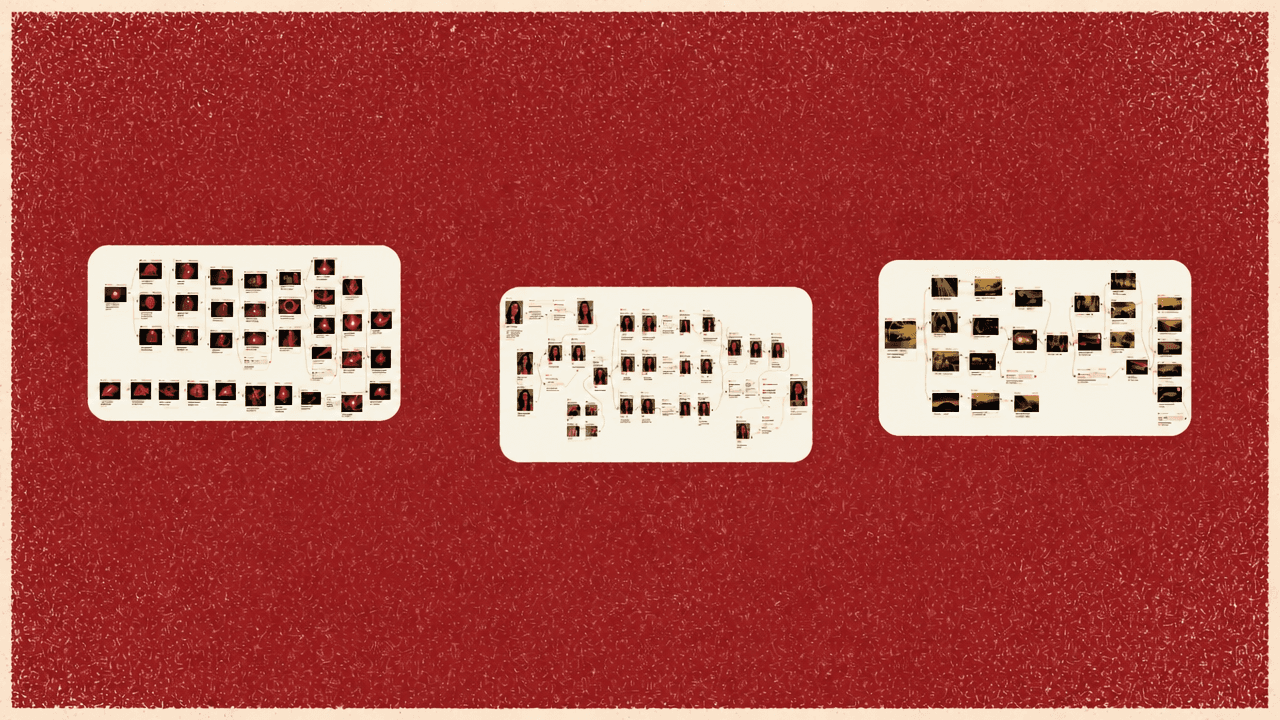
A natural-language brief becomes an editable workflow
Flows Agent is presented as a way to turn a creative brief into a reusable production pipeline, not just a finished asset. The example brief is a single sentence: “a 10-second ad for a summer perfume, moody and cinematic, with a voiceover and background music.” From that, the agent creates prompts, asks for missing inputs, generates images, video, music, and voiceover, connects the pieces through nodes, and assembles the final ad.
The product implication is that the workflow remains visible and adjustable after generation. Flows itself is a node-based canvas with access to image generation, video generation, text to speech, sound effects, and related creative tools. The agent operates on top of that canvas: it selects models, creates nodes, connects them, and runs generations, while leaving the resulting pipeline available for inspection, customization, and reuse.
The agent does not simply execute the first prompt without questions. For the perfume ad, it asks for a product photo and offers to generate a fictional bottle if no image is provided. After a product shot is uploaded, it asks what the voiceover should feel like. The selected direction is “breathy and intimate,” and the agent suggests voices that can be previewed before selection. Luna is chosen because its whispery delivery fits the requested mood.
That pattern matters throughout the workflow. The agent supplies structure and suggestions, but the user keeps control over inputs, voice, creative direction, and whether expensive operations should run.
Approval gates make generation cost a first-class constraint
Before building the ad, Flows Agent produces a proposed plan. For the “Sunkissed” perfume spot, the plan uses the uploaded product image as the reference, creates a hero image in a golden-hour setting, creates an end frame with sunlit bokeh, generates a 10-second slow dolly-in video using Kling 3 Pro, writes a soft two-line Luna voiceover, adds moody warm orchestral/electronic background music, and layers the video, voiceover, and music in a final composition.
The important detail is that this plan appears before the heavier work runs. The user can approve it or ask the agent to revise it. In the demonstrated case, the plan is accepted because the orchestral/electronic music and Kling 3 Pro video generation match the requested cinematic perfume-ad style.
The permissions menu is one of the more consequential parts of the product. It is titled “Agent permissions” and asks the user to “Choose when the agent needs your approval.” The default mode shown is “Auto under threshold,” with the threshold set to 300 credits. Under that setting, cheaper operations can run automatically, but any node run above the credit limit requires confirmation.
The reason given is practical: a workflow may require multiple image generations followed by video generation, and the user may not want to spend credits on an expensive video until the start frame and end frame are acceptable. The menu also includes “Confirm edits,” where changes to existing nodes and credit-spending runs require approval, and “Auto-run,” where all tools execute immediately. The demo switches to Auto-run “for fun,” while warning that it will use credits faster.
Once approved, the generated flow is shown as a dependency chain. The product image becomes the reference. Image nodes generate the start and end frames. Those frames feed a Kling 3.0 video node. A voiceover node includes the written script and audio tags for Eleven v3. Music, voiceover, and video feed into a composition node that produces the final ad.
The agent history shows the build as it happens, including the generated frames. It can pause after those frames and ask whether to proceed with the Kling 3 Pro video run. That behavior connects the visible node graph to the permissions logic: the user can see what exists, decide whether it is good enough, and control whether the next costlier step should execute.
Node-level editing turns vague feedback into targeted changes
The generated ad is not treated as a terminal output. After the first assembled version, the voiceover line is previewed — “Some summers you never really leave. Sunkissed, the scent of gold.” The background music is initially hard to hear, so the track volume is adjusted and the ad is replayed. The result is described as a short perfume ad with video, voiceover, and music aligned around the same theme, created from the initial sentence plus subsequent selections and approvals.
The more durable capability is editing individual nodes through conversation. The user can reference a specific node in the Flows Agent chat and ask for a change without rewriting the whole workflow. In the example, the end frame is selected and the request is plain: “I would like this frame to be brighter,” because the current version is too dark.
The agent responds by modifying the prompt for that generation. The updated end-frame node is labeled “End Frame - Sunlit Fade,” and its visible prompt describes the Sunkissed perfume bottle silhouetted against a blazing golden sunset with brilliant warm light. The newer frame is compared with the previous darker version and described as brighter.
The same interaction model applies to other components. If the background music is wrong, the user can select the music node and say, “make the music a little more upbeat.” The presenter emphasizes that the feedback can be vague. The agent is expected to preserve the perfume ad’s existing theme and aesthetic while turning low-quality feedback into a higher-quality prompt for the selected node.
After the brighter end frame is generated, the agent asks whether to re-render the final result. The user can tell the agent to proceed from chat or manually run the relevant node. Regenerating the video with the new end frame also updates the composition node, producing a revised final ad rather than a disconnected replacement asset.
Templates separate repeat production from workflow editing
A completed flow can be converted into a template so the same structure can generate related ads without reopening the full node canvas. The example is a perfume collection: multiple bottles in the same range need ads that share the same creative pipeline.
The template builder asks the user to choose inputs, outputs, and publishing settings. In “Create Template” mode, the interface shows the sequence “Input > Output > Publish” and asks the user to “Select Input.” Inputs are the pieces a future user will provide when running the template. In the perfume example, the selected inputs are the product photo and the voiceover. Music could also be exposed as an input if it should vary between ads; if the same music should remain across the collection, it can stay fixed inside the template.
The output is set to the full composition node and named “final ad.” The template is named “Sunkissed Perfume Collection Ads.” Once opened, the template interface presents upload fields for “Product photo” and “Voiceover,” plus a Generate button, rather than exposing the full node graph.
The presenter also notes that the template could be simplified further. If only the product photo is exposed as an input, a new ad could be generated from a new bottle image while the voiceover, music, video structure, and composition remain fixed. That is the repeat-production version of the workflow: build once with the agent, decide what should vary, and turn the rest into a reusable system.