VS Code Can Render MCP Tool Results as Interactive Apps


GitHub’s Marlene Mhangami and Liam Hampton argue that MCP apps turn chat from a text response surface into a place where tool output can be operated directly. In their VS Code demo, an MCP server profiles a Go app, returns data plus a reference to a bundled HTML UI, and VS Code renders the result as a sandboxed interactive flame graph inside Copilot chat. Their case is that the useful boundary is precise: tools provide data, resources provide the interface, and the host contains the app while keeping the user in context.
A tool result can become a sandboxed app inside VS Code chat
Marlene Mhangami framed MCP apps as a way to move MCP output beyond text. The practical consequence is that VS Code can receive a tool result from an MCP server, fetch a linked HTML resource, and render a live interface inside the chat window. The result is not a link, a static screenshot, or a prose summary. It is an app surface, contained in an iframe, that the user can interact with while staying in the same chat context.


MCP itself, as Mhangami described it, is an open protocol created by Anthropic that standardizes how applications provide context to large language models. That context can include tools, prompts, and resources. The basic architecture has three parts: hosts, clients, and servers. A host is a program such as VS Code that wants to access data from MCP servers. A client maintains a one-to-one connection with a server; in the VS Code workflow shown, Mhangami said GitHub Copilot is the client they encourage people to use. Servers are lightweight programs that expose capabilities through MCP.
MCP apps depend on that division. The server does not only return data. It can return tool results together with a reference to a UI resource. The host, not the client, fetches that resource and renders it. In the VS Code example, Copilot participates in the chat and tool-selection flow, while VS Code is the host that displays the app.
MCP Apps let server tools return rich interactive components that render directly in the chat.
Mhangami contrasted this with earlier text-heavy MCP interactions. If a user asked for a diagram explaining the Model Context Protocol, the result might be a text block containing a Mermaid-style graph or ASCII-art structure. She said many README files and LLM-generated outputs leaned on ASCII art and emoji because the available interfaces could not generate richer diagrams or interactive views.
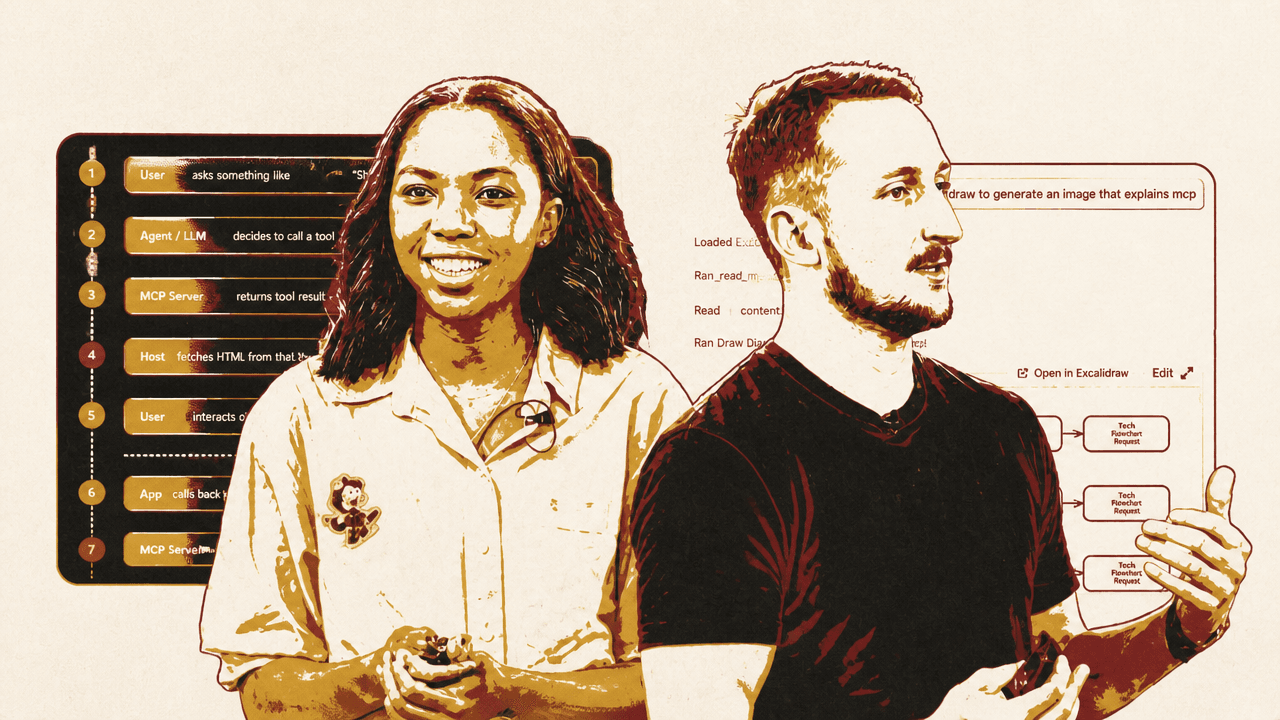
The Excalidraw example showed what changes. Mhangami asked for a diagram explaining MCP through the Excalidraw MCP server, which uses an MCP app. The result was rendered in the chat interface as an Excalidraw diagram, not merely described as text. She emphasized that the diagram was interactive: the user could move elements and update text because it was a live element in the chat.
That changes the role of the chat window. It is no longer only a transcript of instructions and responses. It can become the surface where a tool’s output is operated directly.
The boundary is the host, the server list, and the iframe
The mechanism Mhangami described is a loop between the user, the agent, the MCP server, the host, and the rendered app. A user asks for something such as “show me analytics.” The agent or LLM decides which MCP tool to call. The MCP server returns a tool result together with a UI resource reference. That reference points to an HTML element generated or served by the server.
VS Code then fetches the HTML from the UI resource reference and renders the app inside a sandboxed iframe. The user interacts with that iframe inside the host. The app can call back to the server through tool calls proxied through the host; the server returns fresh data, and the app updates its display. The final two steps repeat as the user continues interacting with the app.
| Step | What happens |
|---|---|
| 1 | The user asks for something, such as “show me analytics.” |
| 2 | The agent or LLM decides to call an MCP tool. |
| 3 | The MCP server returns a tool result plus a UI resource reference. |
| 4 | The host fetches the HTML from that resource and renders it in a sandboxed iframe. |
| 5 | The user interacts directly with the app UI. |
| 6 | The app calls back to the server through a tool call proxied by the host. |
| 7 | The server returns fresh data and the app updates its display. |
That sequence is what makes “app” more than a nicer name for a tool response. The UI is a bundled HTML interface connected back to the MCP server.
Liam Hampton later restated the same flow through the demo. The user prompt “profile my app” is sent to the LLM. The model decides it should call the profiling tool. The MCP server runs and returns JSON data. VS Code sees that the response links to a resource. The linked React UI is rendered in an iframe inside the chat window.


Hampton said the iframe is there for containment. He used a blunt analogy: the reason to put the app in an iframe is the same reason to put a hamster in a cage. You do not want it loose in the room, chewing things up. In VS Code terms, that means the rendered app should not freely interact with VS Code settings, external APIs, or other surfaces it should not touch.
You don't want this application to interact with your VS Code settings, any APIs, anything external, all of that kind of stuff. So you want to keep it all contained inside the chat window.
Mhangami made a related trust point about MCP servers. She said developers can build their own servers or use existing ones, and noted that VS Code’s extensions tab can list available MCP servers when searching for @mcp. She recommended using the server list in VS Code or GitHub rather than picking random servers from the internet, because arbitrary servers may contain malicious content.
The security boundary therefore appears in two places. At the server level, the source of MCP capabilities matters. At the UI level, the rendered app is placed inside an iframe so it can be useful without being unconstrained inside the development environment.
The useful cases are the ones where typing becomes the bottleneck
Mhangami’s examples centered on cases where chat alone becomes an inefficient interface. Data exploration was the first. If a user is inspecting a dataset, a text interface can answer questions, but it becomes tedious when the user wants to inspect regions, drill into charts, compare specific numbers, or export data. A UI with filters, drill-downs, and buttons lets the user do directly what would otherwise require repeated prompting.
Configuration wizards were another example in the use-case material. The described pattern was a form with dependent fields: selecting “production” could reveal security options, while “staging” could show different defaults. That kind of interaction can be simulated in text, but it is better suited to a form that changes as the user makes selections.
E-commerce was Mhangami’s clearest non-developer example. She described an older pattern where a user asks a client whether they can buy something online and the assistant returns links. The user then leaves the chat, opens a browser, navigates to the site, and completes checkout elsewhere. Mhangami’s stated goal for MCP apps in this setting was to keep the user inside the chat and let the rendered UI carry more of the browsing and buying experience.
She cited Shopify as a company building with MCP apps, with a focus not only on checkout flows but also on preserving brand experience inside chat. Her point was that if the user is interacting with a company through a chat surface, the rendered elements should still feel like the company’s own site. A generic chat response that returns links does not preserve that experience.
She also named Excalidraw and Figma as examples. Excalidraw was positioned around interactive architecture diagrams and visualizations, including examples in Claude Code where Excalidraw MCP apps can generate images that explain a system. Figma was mentioned more cautiously: Mhangami said Figma is using MCP apps, while also saying she could not find a good picture of a rendered Figma MCP app. Her broader description was that Figma has components that can be generated on the fly with MCP apps.
The pattern is consistent across these examples. MCP apps are most useful when the model can invoke a tool, but the human still needs a direct manipulation surface: a dashboard, a form, a checkout flow, a diagram editor, or a profiler view.
The developer contract is tool, resource, and link
Hampton’s demo focused on building and running an MCP app inside VS Code. He said he started from a skill on the Model Context Protocol repository, from Anthropic, edited it, and ran it through GitHub Copilot CLI to generate a number of sample MCP apps. The repository he showed included a flame graph app, a Markdown viewer, flight status, a color picker, and other starter examples.
The core contract is “Tool + Resource.” Every MCP app requires three pieces: a tool, a resource, and a link between them. The tool is called by the LLM or host and returns data. The resource serves the bundled HTML UI that displays that data. The link lets the tool response reference the resource so the host knows there is an interface to render rather than only data to report.
| Part | Role in an MCP app |
|---|---|
| Tool | Called by the LLM or host; returns the data used by the app. |
| Resource | Serves the bundled HTML UI that displays the data. |
| Link | Connects the tool response to the resource so the host can render the UI. |
Hampton described the UI resource as something that can be built with ordinary front-end choices: React, Vue, vanilla JavaScript, Svelte, or another approach. The skill also included guidance for how to run the app and how to structure handlers. He called out tool visibility: whether a tool can be called by the model, by the model and the app, or only by the app. That visibility setting determines who invokes the tool at a given point in the interaction.
For the application under test, Hampton used a Go file. He said he writes a lot of Go code, but the demo only needed two simple pieces of application behavior: a bubble sort implementation and a Fibonacci function. The bubble sort compared array values in a nested loop. The Fibonacci function was the familiar recursive version, returning n for values less than or equal to one and otherwise calling itself for n-1 and n-2.
The profiling MCP server ran locally. Hampton described it as taking the Go program, running it, profiling it for five seconds, and producing data about where time was being spent. The underlying profiler was Go’s pprof. The MCP server code was written in TypeScript, following the generated skill structure. On the UI side, Hampton showed a React flame graph app using hooks and described it as receiving tool input, receiving results, showing where the application spent most of its time, and rendering the flame graph.
The flame graph was a useful demonstration target because profiling output is hard to consume as raw data. Hampton described the underlying output as “a very nasty bit of data” that comes out jumbled together. The UI turns that output into an inspectable view of where time is going.
The profiling result stays inside Copilot chat
The live demo used GitHub Copilot chat inside VS Code. Hampton asked Copilot to “profile my app.” Copilot recognized a Go sample app in the flamegraph profiler project, decided to use the installed MCP server, and started running the “Profile application” tool in the flamegraph-mcp server. The chat interface showed that it was loading the MCP app.
When the result loaded, the profiling UI appeared directly inside the Copilot chat window. It was rendered in an iframe, not opened as a browser link and not flattened into a text summary of profiler output. The visible interface included a profile duration of 5.56 seconds, a flame graph, top functions, and summary categories such as application code, runtime, and system calls.
The flame graph view carried the demo’s central claim. The MCP server ran the profiler and returned structured data. VS Code recognized the linked resource and rendered the corresponding React UI. The user could inspect the profiler output in the same Copilot chat where the request began.
Hampton said that without this kind of UI, he would typically ask the AI model follow-up questions about the profiling data: Is this good? Is this bad? Where am I spending my time? That creates a back-and-forth loop where the model repeatedly interprets the data and the user keeps asking for refinements. With the UI rendered directly in chat, the user can inspect the flame graph and top functions themselves while remaining in the Copilot context.
The sequence, as Hampton summarized it, was simple. The user says “profile my application.” The LLM concludes it should call the profile-app tool. The MCP server runs the tool and returns JSON. VS Code sees the linked resource. The iframe loads the React UI and renders the returned profiling data.
The rendered app was large in the chat pane, and Hampton noted that it could be edited and adjusted to better fit the chat window. That detail matters because MCP apps still require ordinary product judgment. The protocol can connect the tool result to the UI resource, but the interface still has to be designed to fit the host surface where it appears.
VS Code is not just displaying an answer
In the workflow Mhangami and Hampton described, VS Code’s role is specific. It fetches the referenced HTML, renders it in a sandboxed iframe, and proxies the interaction path back to the MCP server when the app needs fresh data. GitHub Copilot can help mediate the chat and tool-selection flow, but the host is what turns the tool’s output into an interface.
That is why the developer contract can remain small while the user experience changes substantially. Define the tool. Serve the bundled UI resource. Connect the tool response to that resource. The implementation can use familiar front-end frameworks, but the MCP-specific pairing is what tells the host to render an app rather than treat the result as plain text or JSON.
The same mechanism supports the examples Mhangami and Hampton discussed. In Excalidraw, a generated diagram becomes editable inside chat. In Shopify’s case, Mhangami described a checkout-oriented experience designed to preserve the company’s brand feel inside the chat surface. In the VS Code demo, raw Go pprof output became a flame graph with top functions and summary categories inside Copilot chat.
The boundary remains part of the design, not a side issue. Mhangami warned against arbitrary MCP servers. Hampton explained why the rendered UI is sandboxed. MCP apps are useful because they make tool outputs interactive, but in a developer environment they also have to be contained.